project3 min read
promptoro
promptoro is a TypeScript library that loads YAML files of LLM tool descriptions into typed, deep-frozen objects for MCP servers, Zod schemas, and agent tools.
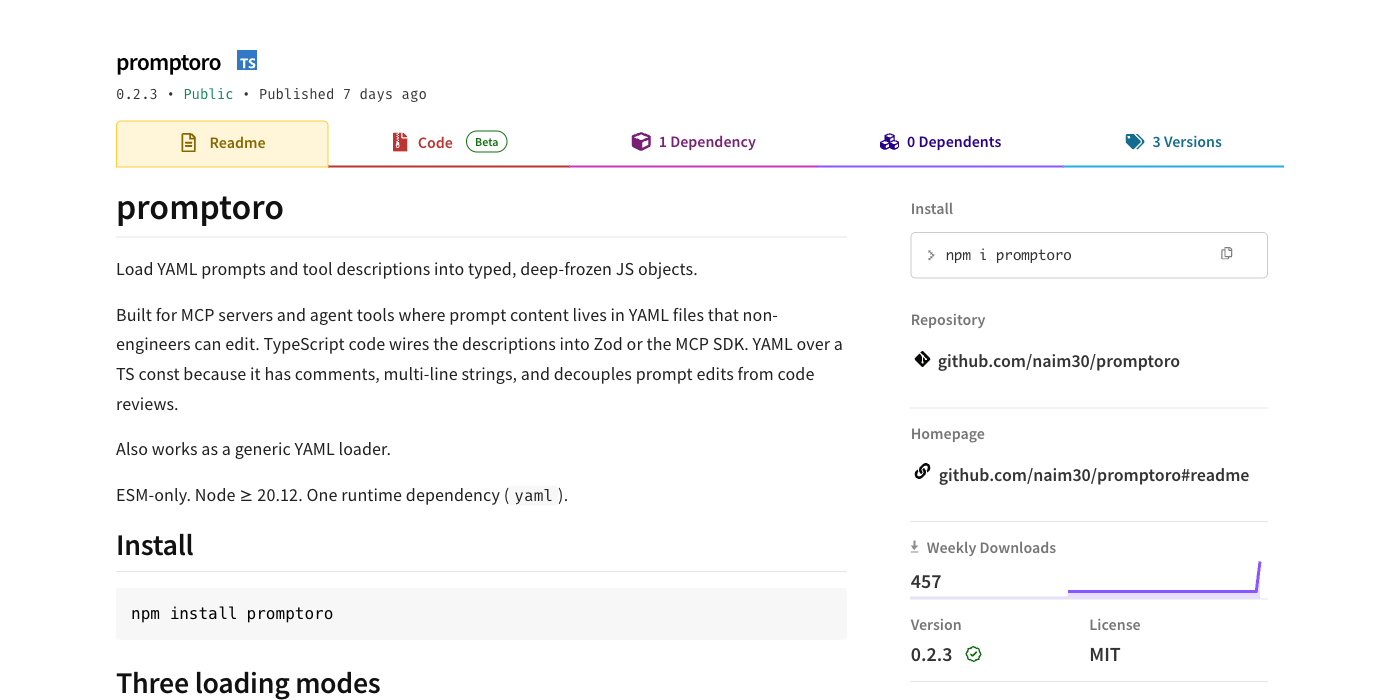
Editing the description a model reads before it calls a tool should be cheap. When that description is a string literal in your TypeScript, it is not: you edit source, escape the newlines, wait on the type checker, and open a pull request for what is really copy editing.
I hit this often enough building MCP servers that I wrote promptoro. It loads YAML files of tool descriptions into typed, deep-frozen objects your code wires into the MCP SDK or Zod. One runtime dependency, a few kilobytes.
Why a tool description shouldn't live in your code
The text a model reads is a prompt, and a prompt is content, not logic. It changes on a different rhythm than the code around it, and inlining it as a string literal costs you three things:
- Every wording tweak goes through a code review.
- Multi-line copy turns into escaped string soup.
- The prompt authors best at writing it are the ones who should not be touching application code.
The description is data the model consumes at runtime. So store it as data.
A prompt as a YAML file
YAML earns its place because it has comments, multi-line block scalars, and no code wrapped around the content:
# prompts/summarize.yml
name: summarize
description: |
  Summarize the input text in one clear paragraph.
  Keep the author's tone. Do not add facts that are not present.
fields:
  text:
    description: The text to summarize.
promptoro hands that file back as a typed, deep-frozen object through one of three loaders:
import { parse, spec, register } from "promptoro";

const tool = parse(yamlText); // raw string
const tool = spec(import.meta.url); // sibling ./tool.yml
const tools = register("./prompts"); // a directory, keyed by filename
Use parse when the content is already in hand, spec when one tool keeps its description beside its code, and register when a server owns a folder of prompts.
Wire it into MCP and Zod
The text lives in the YAML file, and TypeScript pulls it into the schema. There is no second copy of the description sitting in the source to drift out of sync:
import { z } from "zod";
import { spec } from "promptoro";

interface Tool {
  name: string;
  description: string;
  fields: Record<string, { description: string }>;
}

const tool = spec<Tool>(import.meta.url);

server.registerTool(
  tool.name,
  {
    description: tool.description,
    inputSchema: z.object({
      text: z.string().describe(tool.fields.text.description),
    }),
  },
  handler,
);
The guardrails
A library that reads files at runtime and feeds them to a model is where small oversights turn into quiet bugs. Most of promptoro is guardrails:
- Deep-frozen output, so a prompt shared across requests cannot be mutated by one of them.
- Load-time validation with any Standard Schema validator (Zod, Valibot, ArkType), so bad YAML fails on load, not in front of a user.
- Hardened parsing: merge keys are off and the alias count is capped at 100, closing the billion laughs attack.
- Errors that tell you what to do, each with a
[promptoro]prefix and ahint:line pointing at the fix.
The one gotcha: your YAML has to survive the build
Because the files are read at runtime, they have to exist in the deployed output. Most TypeScript build tools strip anything that is not JavaScript, so a build that passes locally throws file-not-found in production. The fix is a one-line copy step: assets in nest-cli.json for NestJS, copyfiles for tsc, tsup, or esbuild, or public/ for Vite.
When not to use it
If your prompts are three lines that never change, a plain constant is simpler. If you cannot guarantee the YAML ships with your build, inlining is safer. And it is ESM-only on Node 20.12 or newer.
promptoro is on npm: https://www.npmjs.com/package/promptoro.
The next time a tool description reads a little off, you should not have to open a pull request to fix a sentence. Move the copy into a YAML file, and the fix becomes what it always should have been: editing text.
- # typescript
- # mcp
- # llm
- # open-source
- # yaml
- # zod
- # nodejs
- # prompt-engineering